About the project
Shopify’s design system – Polaris
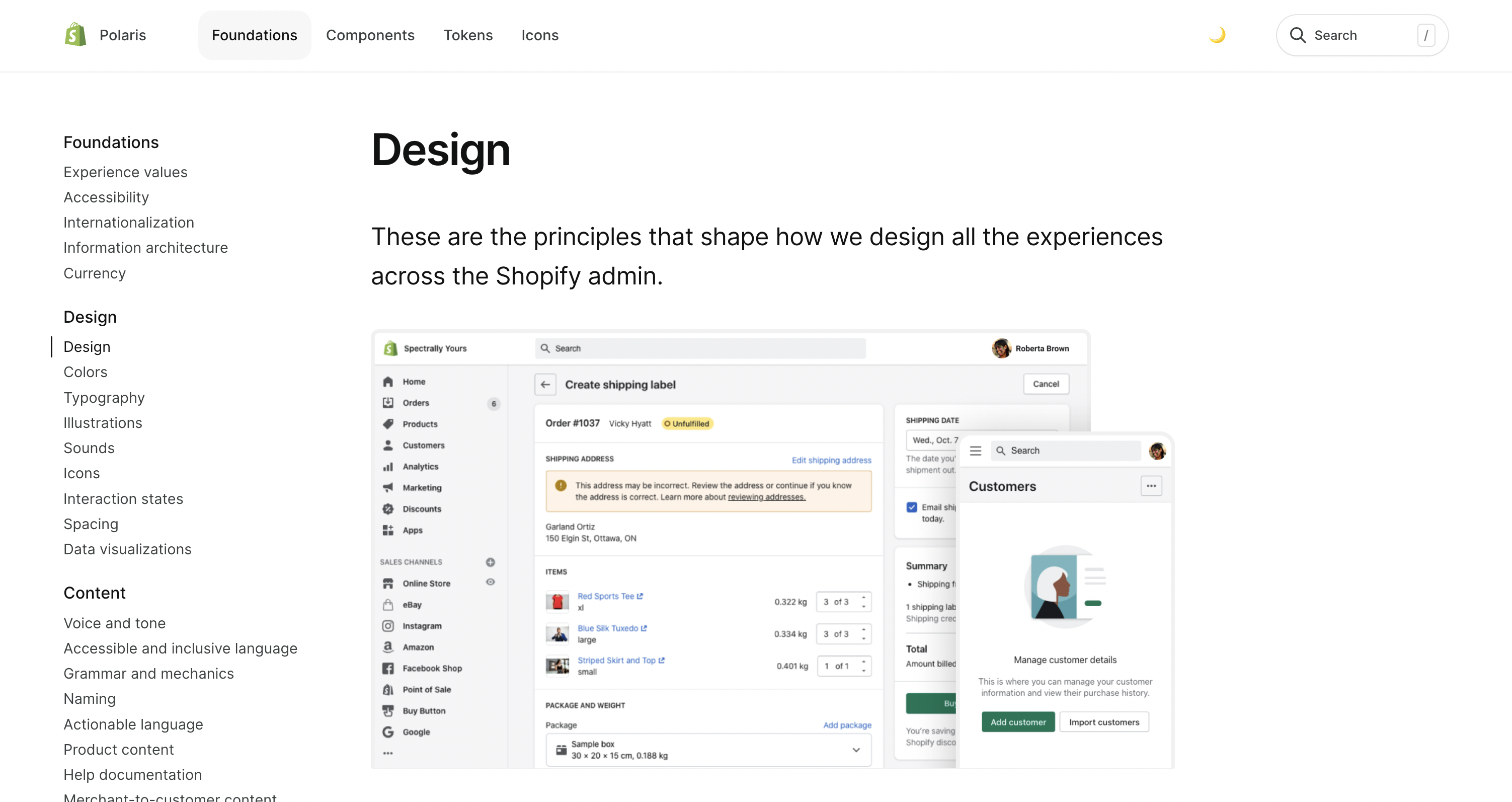
Polaris is Shopify’s comprehensive design system that helps create cohesive experiences across their platform and merchant-facing products. It consists of UI components, guidelines, and resources that enable designers and developers to build consistent, high-quality interfaces that align with Shopify’s brand and usability standards. Polaris is used by both the app development community and all of the teams within Shopify building experiences for Shopify’s core product, the merchant admin (fig. 01.09 ).
Polaris has long been a source of inspiration for me, and having the opportunity to work with the talented designers and engineers on that team was a highlight of my career.
Polaris Uplift – a modern, purposeful workspace for merchants
In 2023, the team launched a major update of Polaris, aimed at bringing the Shopify merchant admin into the modern era. We called this project Polaris Uplift.
In 2022 – about a year after I joined Shopify – the team embarked on a sizable mission: modernizing the look and feel of the merchant admin.
Shopify’s merchant admin is the core product. It’s where merchants build their business and get things done. It’s a massive and complex application spanning thousands of unique page routes. Despite this – or perhaps because of it – the product hadn’t seen a visual upgrade in years.
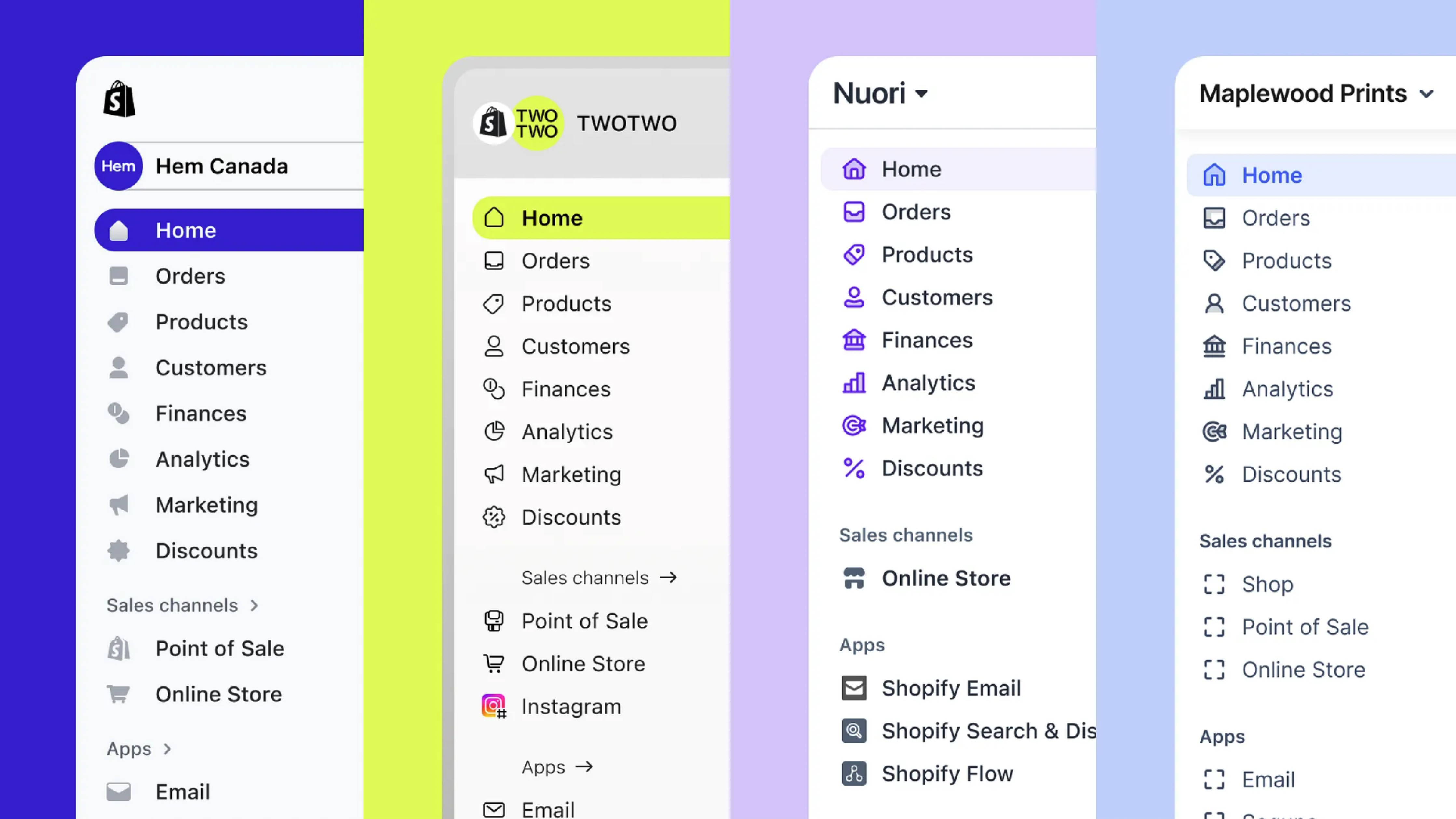
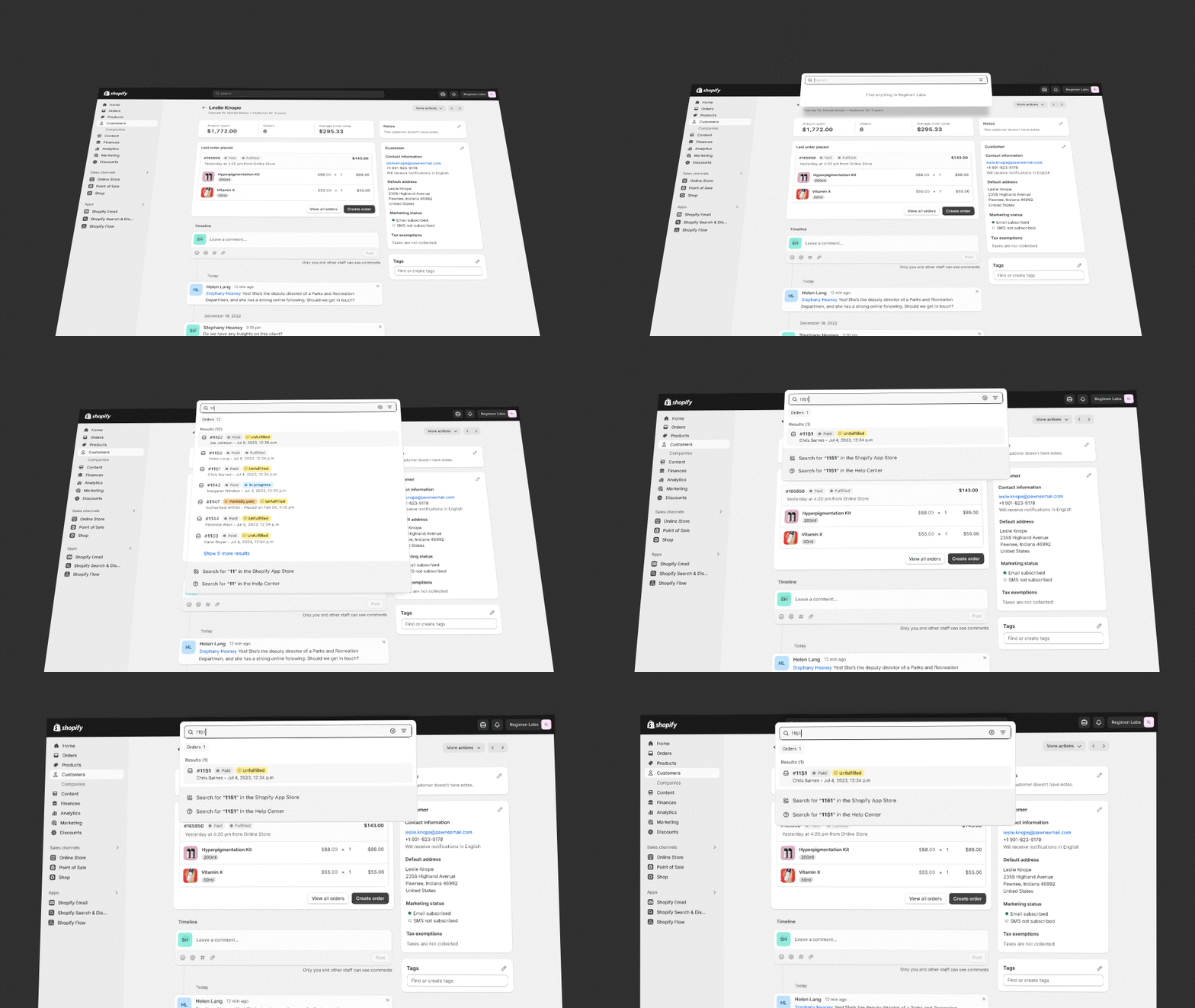
Polaris was already a mature design system, so we had a strong foundation underpinning the design. Still, a strong foundation can be difficult to break away from. Doing this required the freedom to explore, and the team produced dozens of studies such as the navigation study in fig. 01.01 .
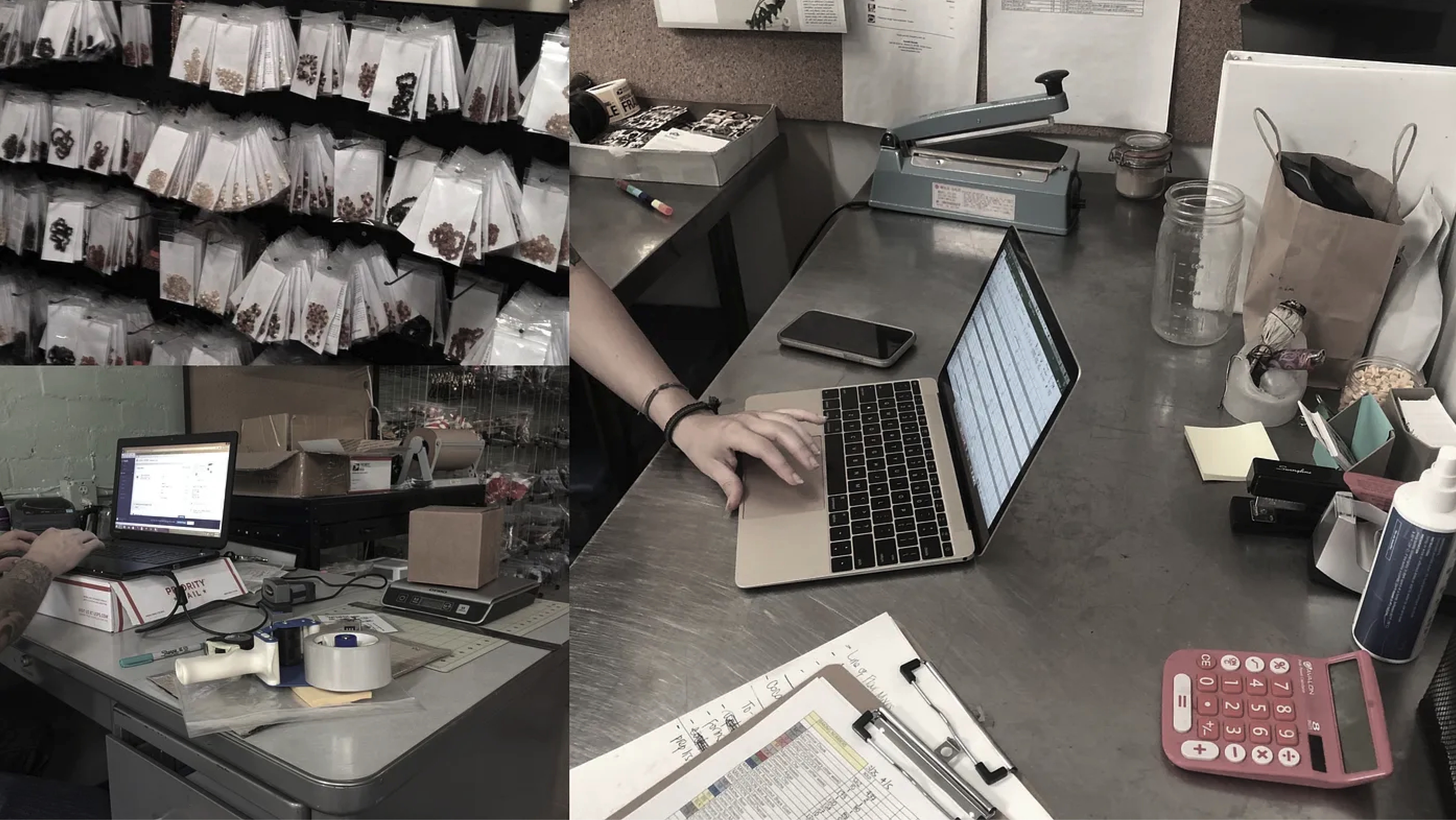
We also looked at how customers work by visiting real merchants and studying their setups (fig. 01.06 ). What kinds of spaces do they occupy? What kind of lighting do they work under? What screens do they use? What are they surrounded by?
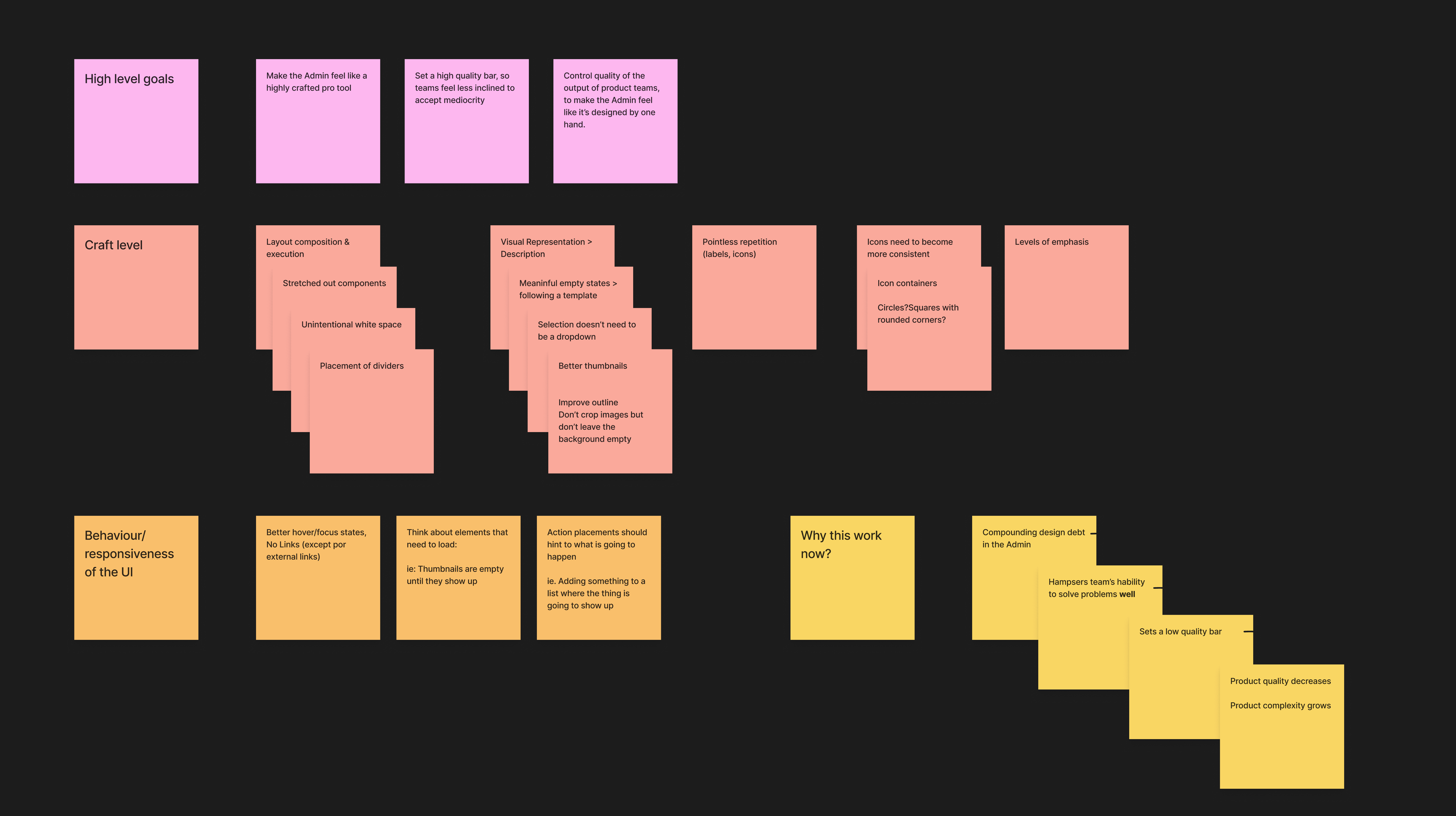
An undertaking of this size requires really good aiming and planning (fig. 01.07 ).
A big part of our mission was to help Shopify teams design better features and break out of the mediocrity that had proliferated over the years. How should we do that, specifically?
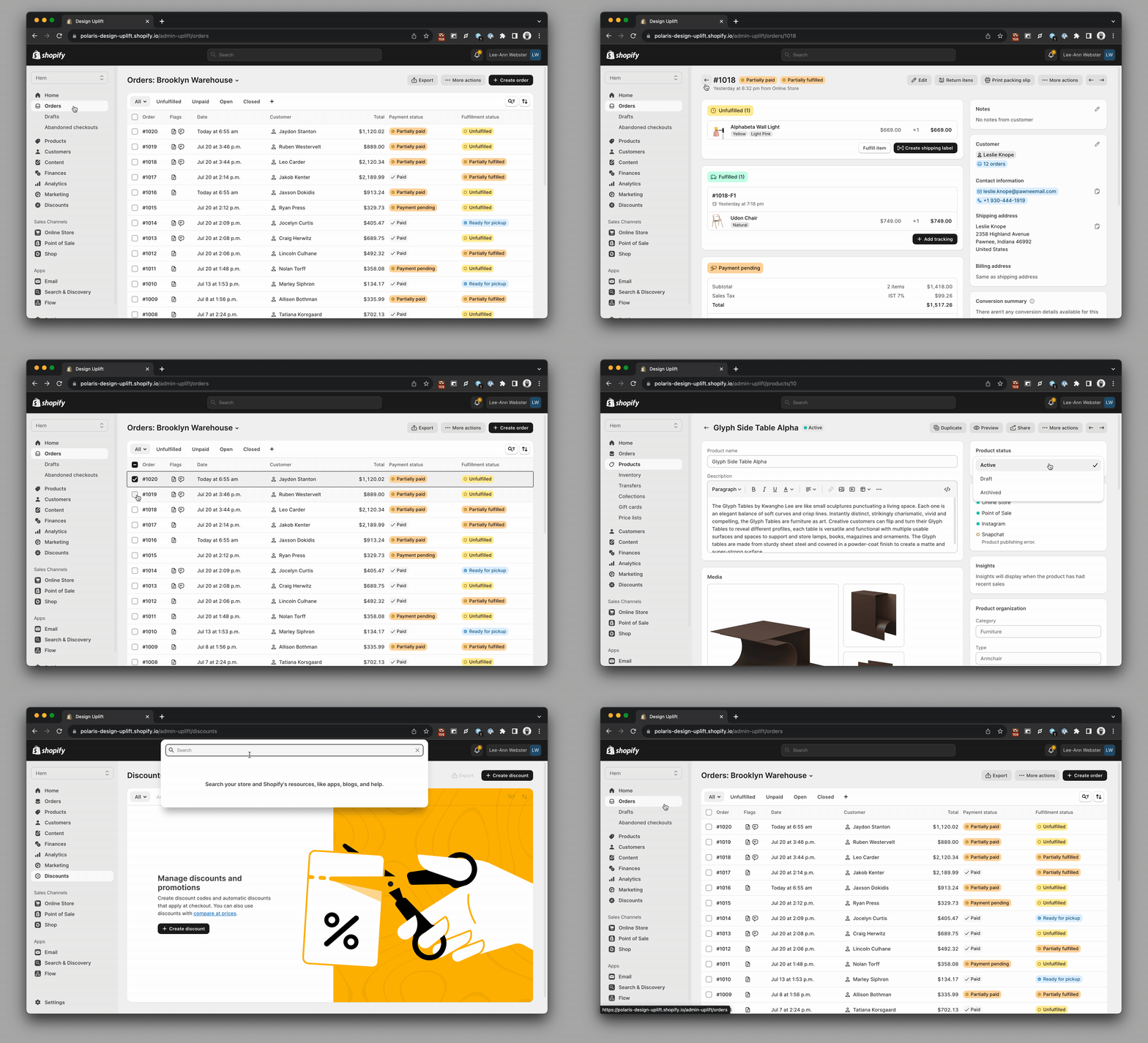
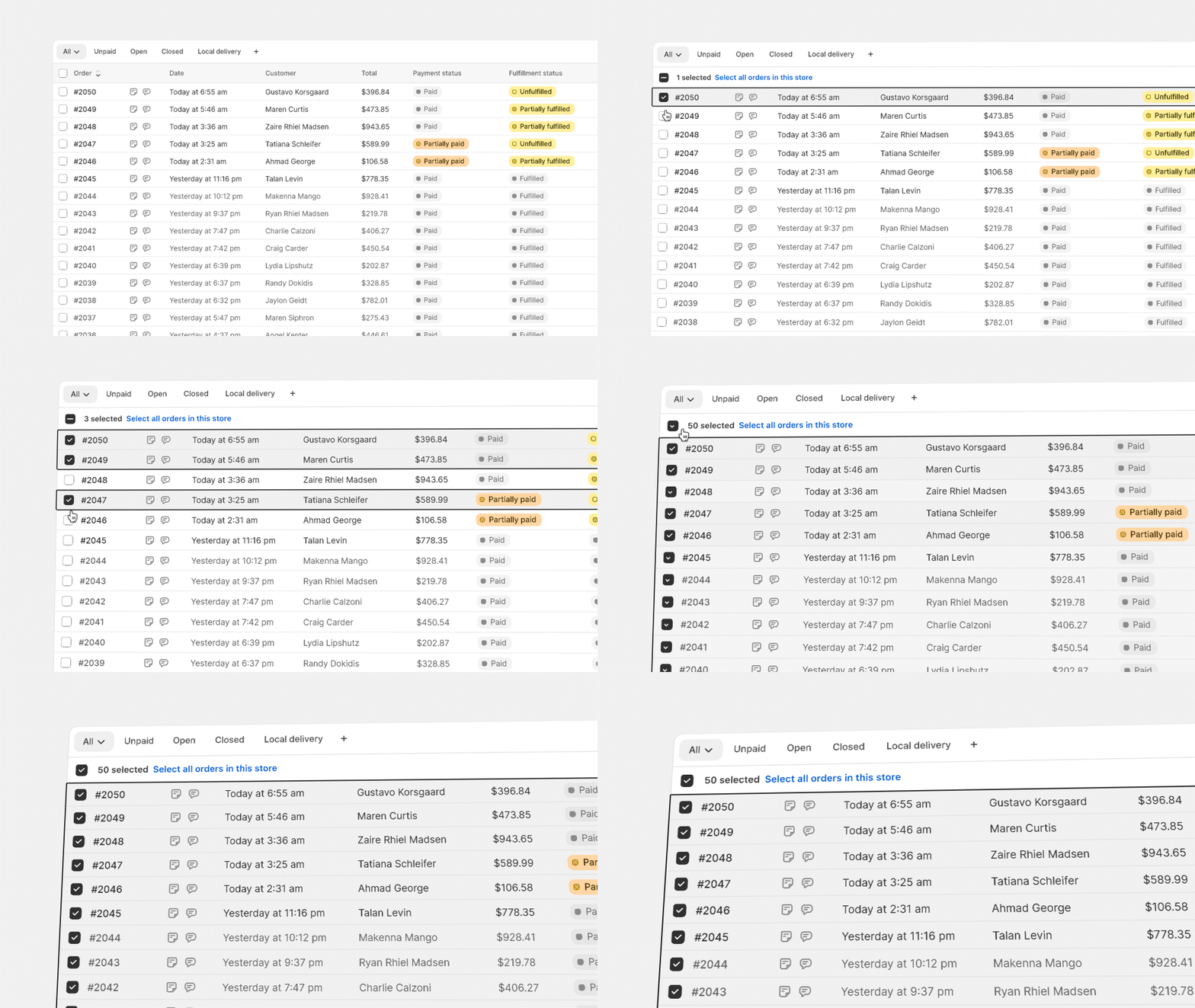
Our focus was on influencing the aspects of the design that could help Shopify feel like a pro tool that is crafted with intentionality and cohesiveness in mind. We prioritized things like thoughtful use of empty space, visual representation over description, removal of links, and better use of imagery throughout the product. We also narrowed our focus on specific behaviors, such as hover and focus, loading sequences and the use of stateful surfaces such as modals and action sheets (fig. 01.04 ).
Navigating complexity
One of the key challenges with designing Shopify’s merchant admin – and most other business software – is how to handle the density and complexity of information. We can be selective about what we show the user, but ultimately each screen will contain a lot of powerful features.
With so much information and functionality on the screen, every pixel matters. Getting the details right – use of highlight colors, type size, icons, weight and spacing – is a high-leverage activity. All of these little decisions add up across every page. They make the difference between software that feels restful and focused vs. chaotic and difficult to work with. Each little design detail is meaningful, because they are repeated hundreds if not thousands of times throughout the product.
The reality of being a merchant involves a lot of context switching, too – so, wayfinding elements and clean iconography are critical parts of the user experience.
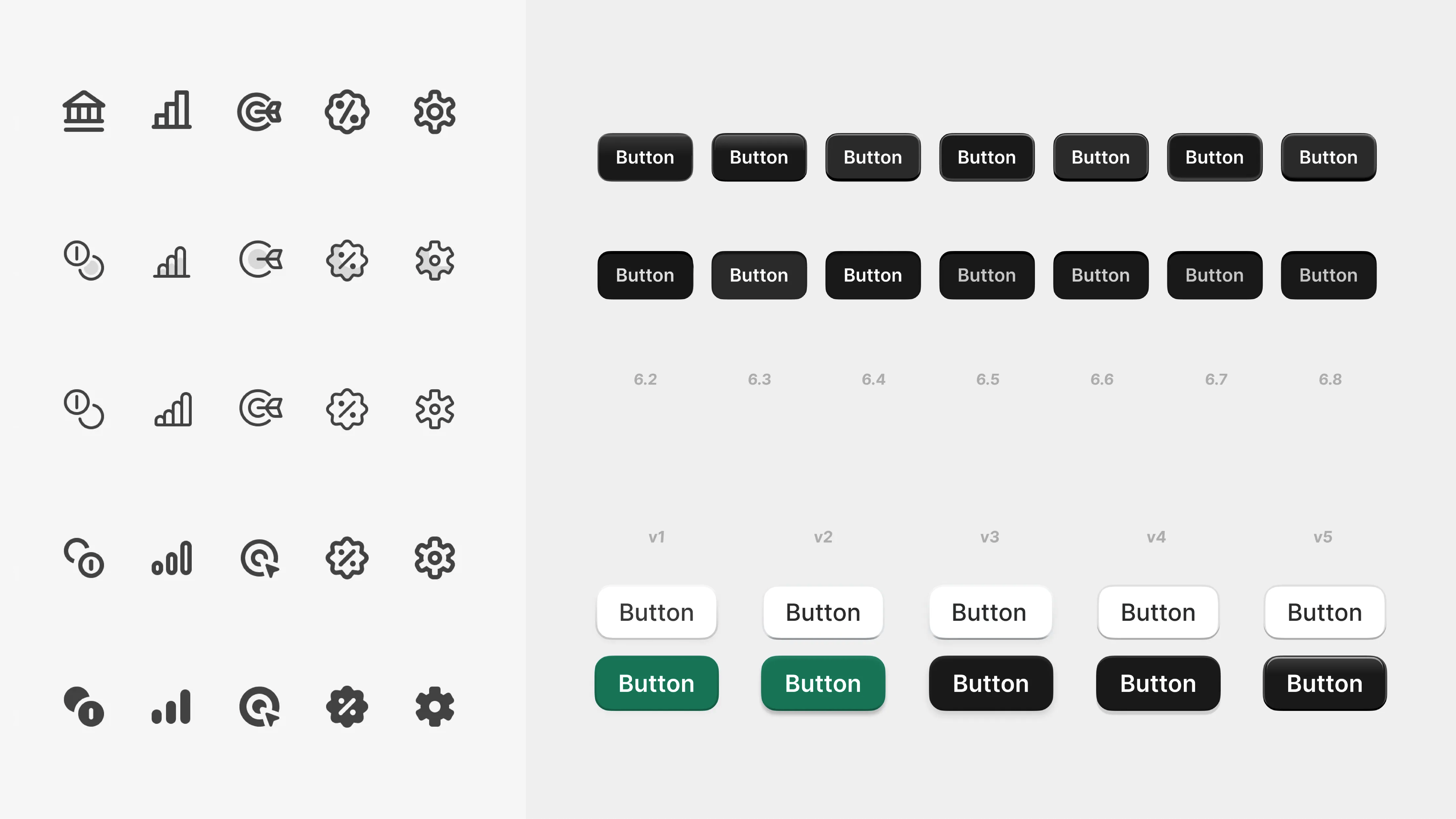
The team quickly sprinted through several iterations of how these should be crafted – weighing the fine-grained details of border and fill, and ultimately landing on 1.5px icon stroke and a 1px bevel for primary buttons with a high-contrast label that would stand out against the noise of index tables and pages that are filled with cards (fig. 01.03 ).
We ultimately ended up with hundreds of artboards stress-testing the new design across every core feature in the merchant admin.
Putting it all together
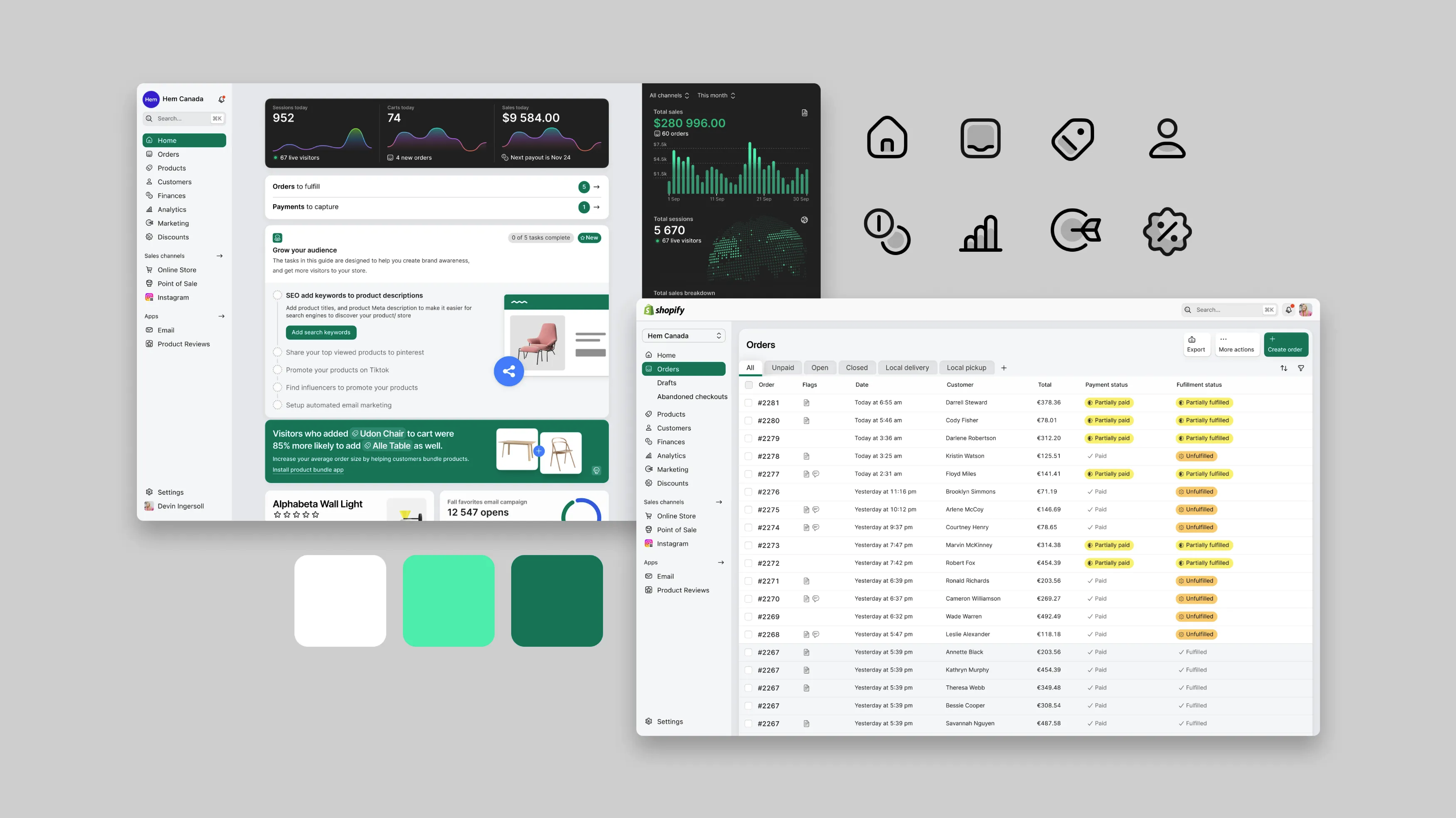
All of this culminated in a full modernization of Shopify’s core product – the merchant admin. We progressively layered these style updates, starting with type, then moving sequentially to icons, colors and layout (fig. 01.02 ).
We also studied modern industrial design trends and looked closely at various materials. Although Shopify’s merchant admin is software, we wanted to bring just a bit of tactility into the experience.
Not skeuomorphism – just enough detail to make the product feel more interactive and lifelike (fig. 01.05 ). We also considered the design of Shopify’s retail and POS products, and what Shopify’s overall visual voice and tone might be to merchants.
Ultimately, the aim was to produce a flexible design system that works under a wide variety of real-world conditions, and can be used to deliver high-density displays of data and can handle complex functionality.
Polaris documentation – polaris.shopify.com
Polaris is supported by world-class documentation, spanning high-level design principles, content guidelines, patterns, components and styles (fig. 01.08 ).
The Polaris React docs at polaris.shopify.com were a particular source of pride for the team and an inspiration for the community of developers building Shopify experiences. They also provided much of the high-level design guidelines used internally across Shopify’s design org.
Today, Polaris exists as a modern, flexible library of components built on the HTML Web Component standard, with documentation for components, patterns and guidelines available at shopify.dev .
Close